
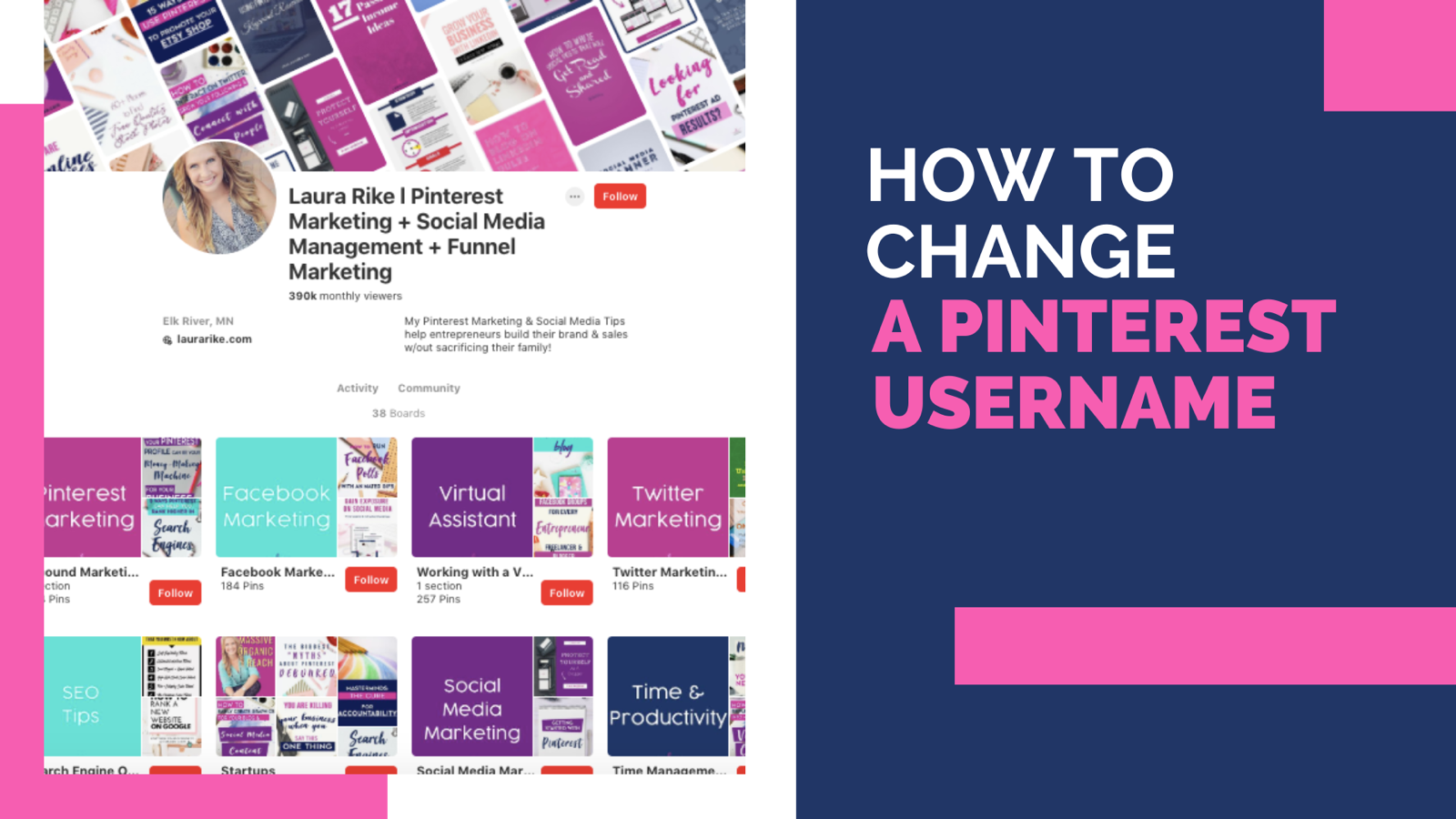
How to Change Pinterest Username (why your profile name matters)
Your Pinterest username profile is more than just a digital presence it’s a reflection of your brand, personality, and values. One of the key elements that define your identity on Pinterest is your username. Whether you’re a seasoned entrepreneur, small business owner, or a dedicated blogger using Pinterest as a marketing tool, knowing how to change your username can significantly impact your visibility and brand recognition.
Why Your Profile Name Matters
Your Pinterest username serves as your digital calling card. It’s what users see first when they encounter your pins, boards, or profile in search results or feeds. A catchy and memorable username can attract attention, make you easier to find, and leave a lasting impression.
Here’s why it’s crucial to get it right:
-
Brand Consistency: Consistency across all platforms reinforces your brand identity. Aligning your Pinterest username with your brand name or main keywords helps strengthen brand recognition.
-
Searchability: A well-chosen username can improve your discoverability on Pinterest. When users search for specific Pinterest keywords or topics related to your niche, having those keywords in your username can increase the likelihood of your profile appearing in search results.
-
First Impressions: Your username is often the first thing potential followers and customers see. A clear and relevant username can immediately convey what your business account profile is about, encouraging users to explore further.
How to Change Your Pinterest Username
You can change your old username or create a keyword-focused perfect username when setting up a new pinterest account. Changing your Pinterest username is a straightforward process that can be done in a few simple steps:
-
Log In and Navigate to Your Profile: Start by logging into your Pinterest account. Once logged in, click on your profile picture or name drop-down menu to access your profile.
-
Edit Profile: On your profile page, look for the “Edit profile” button in account settings. Click on it to enter the profile editing mode.
-
Username Field: Locate the username field. This is where you can make changes to your current username.
-
Enter Your New Username: Carefully type in your new username. Remember, your username should ideally reflect your brand or main focus while being easy to remember and spell.
-
Save Profile: After entering your new username, save your changes. Pinterest may prompt you to confirm the change, so follow any additional instructions if necessary.
Choosing a Catchy Pinterest Username
When selecting a new username, consider these tips to make it catchy and effective:
-
Relevance: Ensure your username reflects what your Pinterest profile is about. Incorporate keywords related to your niche or business.
-
Memorability: Aim for a username that is easy to remember and pronounce. Avoid overly complicated or obscure usernames.
-
Uniqueness: Check if your desired username is available. If not, try adding numbers, underscores, or slight variations to find a unique yet recognizable option.
Public Profile Considerations
Remember, your Pinterest username is part of your public profile. It’s visible to pinterest users who views your pins, boards, or profile. Therefore, it’s important to choose a username that you are comfortable with being associated with your brand or business.
Pinterest Username Ideas
Your Pinterest username is more than just a name it’s a crucial element of your brand’s online identity. By understanding how to change your Pinterest username and why it matters, you can enhance your profile’s visibility, attract more followers, and strengthen your brand presence on this dynamic platform.
Take the time to choose a username that resonates with your audience and accurately represents your brand. With these simple steps, you’re well on your way to optimizing your Pinterest profile for success.
Incorporate these tips and watch how a simple new name change can positively impact your Pinterest presence.
Whether you’re re-branding or refining your current strategy, optimizing your profile with a catchy username is a step towards enhancing your digital footprint and engaging more effectively with your audience.


