How to Revive a Long-Abandoned Pinterest Account (Without Starting Over)
How to Revive a Long-Abandoned Pinterest Account (Without Starting Over)
What happens when your Pinterest account has been sitting untouched since 2018?
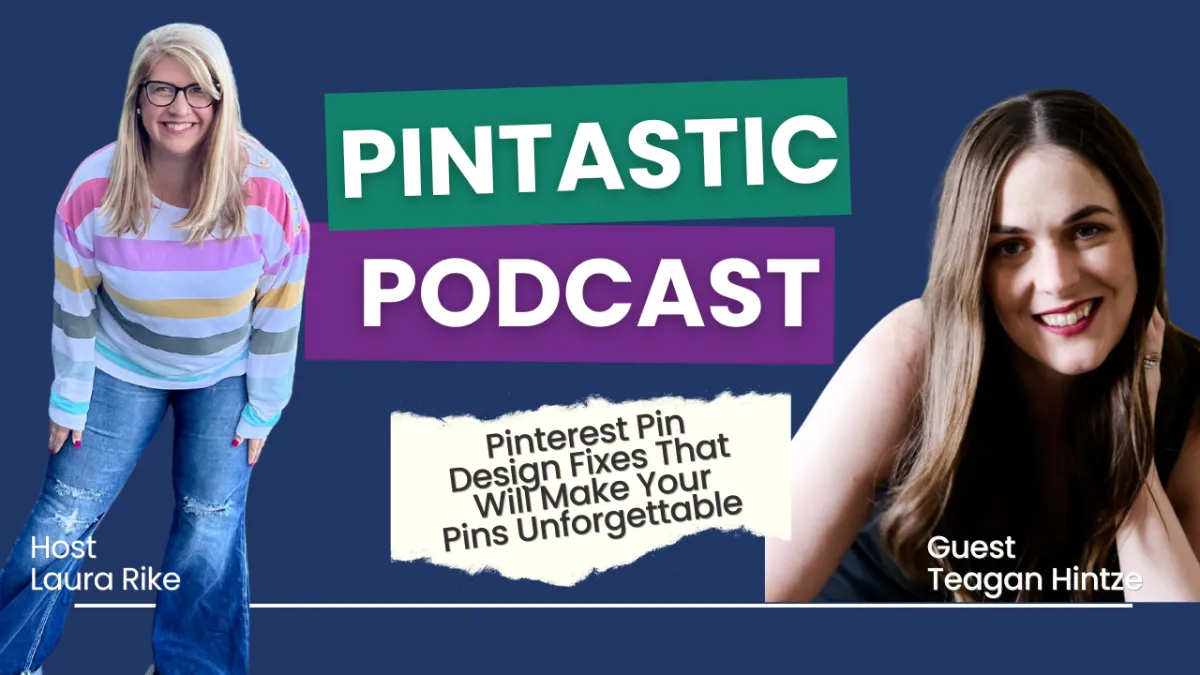
That’s exactly what we explored on this week’s episode of the Pintastic Pinterest Podcast and it was packed with real-time strategy, behind-the-scenes insights, and actionable takeaways you can apply to your own business right now.
I sat down with Teagan Hintze, a business coach who helps moms build six-figure virtual assistant businesses, and we walked through her actual Pinterest account which she hadn’t touched in over seven years. Instead of starting from scratch, we focused on how to revive what was already there, realign it with her current business, and use Pinterest to drive targeted traffic to her low-ticket offers.
You are going to want to watch this full episode because the truth is:
You don’t need a shiny new profile to get Pinterest working for you.
You need a clear strategy and a few key design, keyword, and profile tweaks that speak to both the Pinterest algorithm and your ideal audience.
How to Revive a Long-Abandoned Pinterest Account (Without Starting Over)
How to Revive a Long-Abandoned Pinterest Account (Without Starting Over)
Step One: Ditch the Auto-Posting and Reclaim Your Strategy
Step Two: Optimize Your Profile for Pinterest’s Search Engine
Step Three: Build Pin Designs That Stop the Scroll
Step One: Ditch the Auto-Posting and Reclaim Your Strategy
One of the first things we uncovered in Teagan’s account was that it was still auto-posting content directly from Instagram.
While this might seem like a good way to “stay active,” here’s the problem:
Instagram content is designed for engagement. Pinterest content is designed for discovery.
Auto-posted square images with dense captions just don’t perform well on Pinterest. They don’t follow best practices for visual hierarchy, keyword relevance, or user intent. We walked through how to disconnect auto-posting while still keeping her Instagram claimed, which allows Pinterest to track traffic without compromising design strategy.
Step Two: Optimize Your Profile for Pinterest’s Search Engine
Pinterest is a visual search engine not social media.
That means your bio, board titles, and pin designs need to be optimized with keywords your audience is actively searching for.
Together, Teagan and I:
Identified high-traffic keyword phrases like “virtual assistant business,” “VA with no experience,” and “low-ticket offers”
Tweaked her profile description to speak to her ideal audience and boost discoverability
Aligned her visual identity with her brand voice (colorful, bold, and mom-focused) while making strategic design choices that help pins stand out in search
You don’t have to lose your personality to rank on Pinterest you just have to learn how to speak the platform’s language.
Step Three: Build Pin Designs That Stop the Scroll
Let’s be honest: even great content won’t convert if the design doesn’t make someone stop scrolling.
For Teagan, we focused on simple, high-impact design elements like:
Big, bold headlines (using color contrast to highlight key phrases)
Minimal fonts, 2 max, with clean spacing
Relevant imagery that connects to her landing page, for higher conversions
Clear, creative CTAs (no more “click here” try something that builds curiosity!)
We even “pin hacked” some top-ranking content to reverse-engineer the styles, layouts, and wording that are performing well in her niche and then made it her own.
Step Four: Clean Up Without Starting Over
No, you don’t need to delete your old boards.
In fact, don’t, unless they’re truly off-brand or completely irrelevant.
Instead, we reviewed:
How to archive or secret boards that don’t serve your business
How to refresh old pins by creating updated versions with new titles, keywords, and designs
How to evaluate what’s working by checking visual search results, engagement, and outbound clicks
And maybe most importantly, we talked about how to approach all of this with ease. Pinterest doesn’t require daily posting or endless content. It rewards consistency, clarity, and intentional action.
Final Pin Drop
If you’ve let Pinterest fall to the back burner (or haven’t looked at it since the 2010s), you’re not alone.
The good news? You don’t need a total overhaul to get results. You just need a strategy that meets Pinterest where it is today and helps your audience find you faster.
Watch the full episode for the full walk through step-by-step so you can apply it to your own account today whether you're relaunching after a break or just getting serious about Pinterest again.
Want My Eyes on Your Account?
I’ve got a few openings for 1:1 PinChats, quick strategy calls where we’ll dig into what’s working, what’s not, and what to fix first to start seeing results. These are perfect if you're not sure where to start, or you want a second set of expert eyes on your profile, pin design, or overall plan.
Grab your PinChat session here: https://laurarike.com/pinchat
Let’s make Pinterest profitable (and actually fun) again.


