
How to Repurpose Your Content From Instagram to Pinterest
How to Repurpose Your Content From Instagram to Pinterest
So here’s the situation: you built a Pinterest account years ago. Maybe you were selling a different offer, maybe your brand has evolved, or maybe you haven’t touched it since 2020. (Hey, no judgment.) Now you’re staring at an account full of outdated boards, mismatched branding, and wondering, “Should I just start from scratch?”
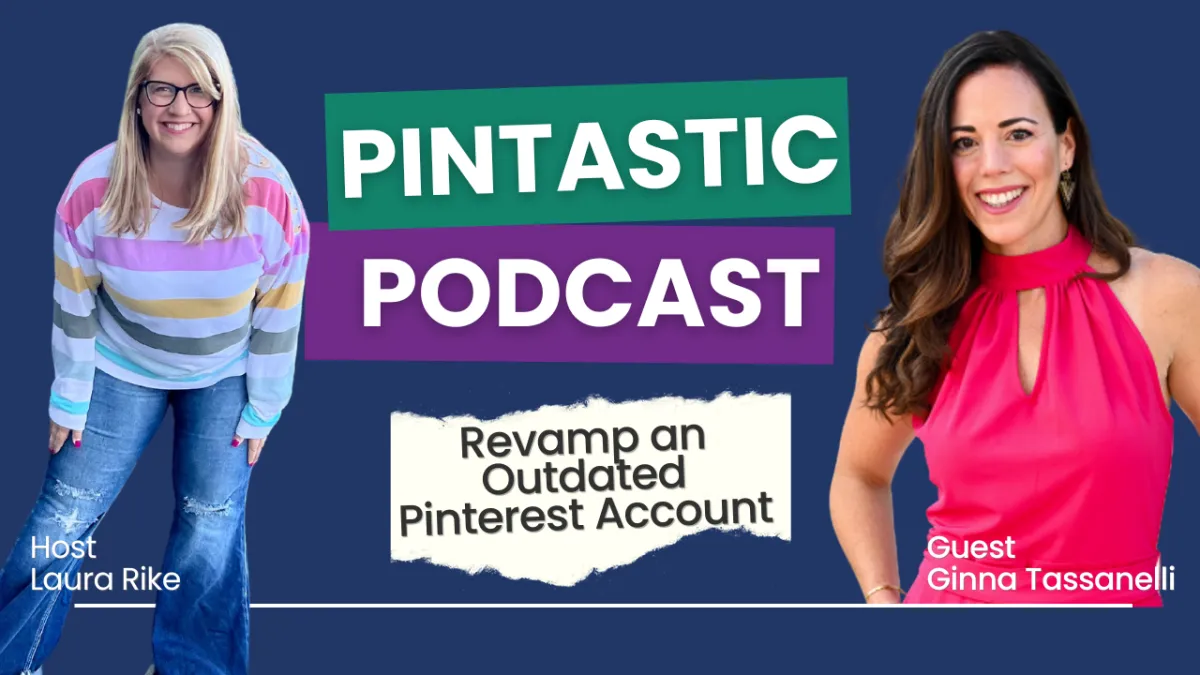
That’s exactly what Ginna Tassanelli was wondering when she came to me.
Ginna’s a seasoned marketing strategist and the founder of Hype Media. She knows her stuff and she also knows her business has shifted. Her Pinterest account, on the other hand? It was still clinging to a previous era. So we got to work.
In this episode of The Pintastic Pinterest Podcast, I walked Ginna through a live Pinterest audit and we covered the exact steps you can take to clean up and reposition your account without starting over.
How to Repurpose Your Content From Instagram to Pinterest
How to Repurpose Your Content From Instagram to Pinterest
Step One: Assess What You’ve Got (Before You Burn It All Down)
Step Two: Choose a Clear Direction for Your Current Offers
Step Three: Align Your Boards and Pins to Your Current Strategy
1. Create new boards around your core topics
2. Use keyword-first board titles
3. Do real keyword research (Pinterest style)
Step Four: Optimize, Repurpose, and Actually Use What You’ve Got
Step One: Assess What You’ve Got (Before You Burn It All Down)
It’s tempting to start fresh when something feels outdated. But if your current Pinterest account has traffic, history, or even just a decent username it’s worth saving.
Here’s what to do first:
Review your boards: Open your profile and hit the “Saved” tab. Are the boards still relevant to the offers you’re focused on today?
Use Pinterest analytics: Change your date range to the last 90 days and scroll down to see your top-performing boards. Sort by outbound clicks this shows what’s actually sending traffic to your site.
Make a three-column list: What boards are staying as-is? What can be rebranded or renamed? What should be archived or made secret?
The goal here isn’t perfection it’s clarity. Don’t delete anything just yet. You want to understand what’s working before you make changes.
Step Two: Choose a Clear Direction for Your Current Offers
Ginna has multiple sides to her business including a boutique fashion brand she ran in the past, an agency (Hype Media), and a coaching arm (Stylishly Branded). Her Pinterest profile, though? It was still heavily skewed toward the fashion content.
Together, we decided to:
Rebrand her existing Pinterest account to focus on Hype Media and Stylishly Branded
Keep the fashion boards (because they still aligned visually) but move them to the bottom of the profile and reposition them as lifestyle or behind-the-scenes content
Use her best-performing lead magnet a GPT-powered video script generator as the foundation for her pin strategy
This kind of pivot doesn’t require starting over it requires clarity and a content shift.
Step Three: Align Your Boards and Pins to Your Current Strategy
This is where it gets powerful. If you want Pinterest to generate leads, you have to build your content around what your ideal client is actually searching for.
Here’s what that looked like for Ginna and what you can do, too:
1. Create new boards around your core topics
Think in terms of categories your offers support. For Ginna, that included:
Video marketing
Personal branding
Lead generation
Online visibility Each of these became a board, filled with pins pointing back to her blog, lead magnets, and client resources.
2. Use keyword-first board titles
Instead of “Inspo” or “Tips for My Biz,” we renamed boards with high-volume search terms like:
“Video Marketing for Coaches”
“Marketing Strategy for Female Entrepreneurs”
“Reels and Short Video Ideas for Online Brands”
This helps Pinterest understand your content and serve it to the right audience.
3. Do real keyword research (Pinterest style)
Before creating pins, we:
Used Pinterest’s search bar to see what autofills after “video marketing,” “content strategy,” or “lead magnet funnel”
Used tools like AnswerThePublic to uncover questions people were actually asking about video content and lead generation
Created pin concepts that directly answered those questions
Step Four: Optimize, Repurpose, and Actually Use What You’ve Got
One of the biggest mindset shifts I coach clients through is this: Pinterest isn’t social media. It’s a search engine. That means your content has longevity. A pin you post today could still drive leads six months from now but only if it’s optimized.
Here’s how to make that happen:
Repurpose Instagram content: Short-form videos (like Reels) can work beautifully on Pinterest but don’t just hit share. Upload them natively. Add keyword-rich titles and a strong cover image that reflects what the video is about.
Design pins for your lead magnet: Ginna’s GPT tool helps users write better video scripts. We brainstormed 10 pin angles that point to that one resource, using phrases like “What to say on video” or “Video hooks that convert.”
Create multiple boards that support one offer: Yes, you can pin the same lead magnet to boards called “Video Marketing,” “Content Strategy,” and “Online Visibility.” That’s not repetitive it’s smart.
Action Steps to Revamp Your Outdated Pinterest Account
Here’s your checklist to implement everything we covered:
Review your current Pinterest boards what’s still aligned, what’s outdated?
Sort your analytics by outbound clicks to see what’s actually working
Archive or secret boards that no longer reflect your brand
Choose one lead magnet or core offer to build your Pinterest strategy around
Brainstorm 3–5 new boards based on the keywords your ideal clients search for
Use Pinterest search and tools like AnswerThePublic to identify top questions
Design 5–10 pins for your lead magnet using different headlines, hooks, and visuals
Upload short-form videos natively with strategic cover images and titles
Repin content to multiple relevant boards for extra visibility
Use Pinterest’s native scheduler to keep your content consistent and evergreen
The Final Pin Drop
You don’t need to nuke your Pinterest account just because your business has changed. With a little clarity and strategy, you can transform a “stale” profile into a consistent lead engine that works while you sleep.
The episode with Ginna was such a fun and honest look at what it really takes to realign your Pinterest strategy with your current brand. If you’re pivoting, scaling, or finally getting serious about traffic that converts this one’s a must-watch.


